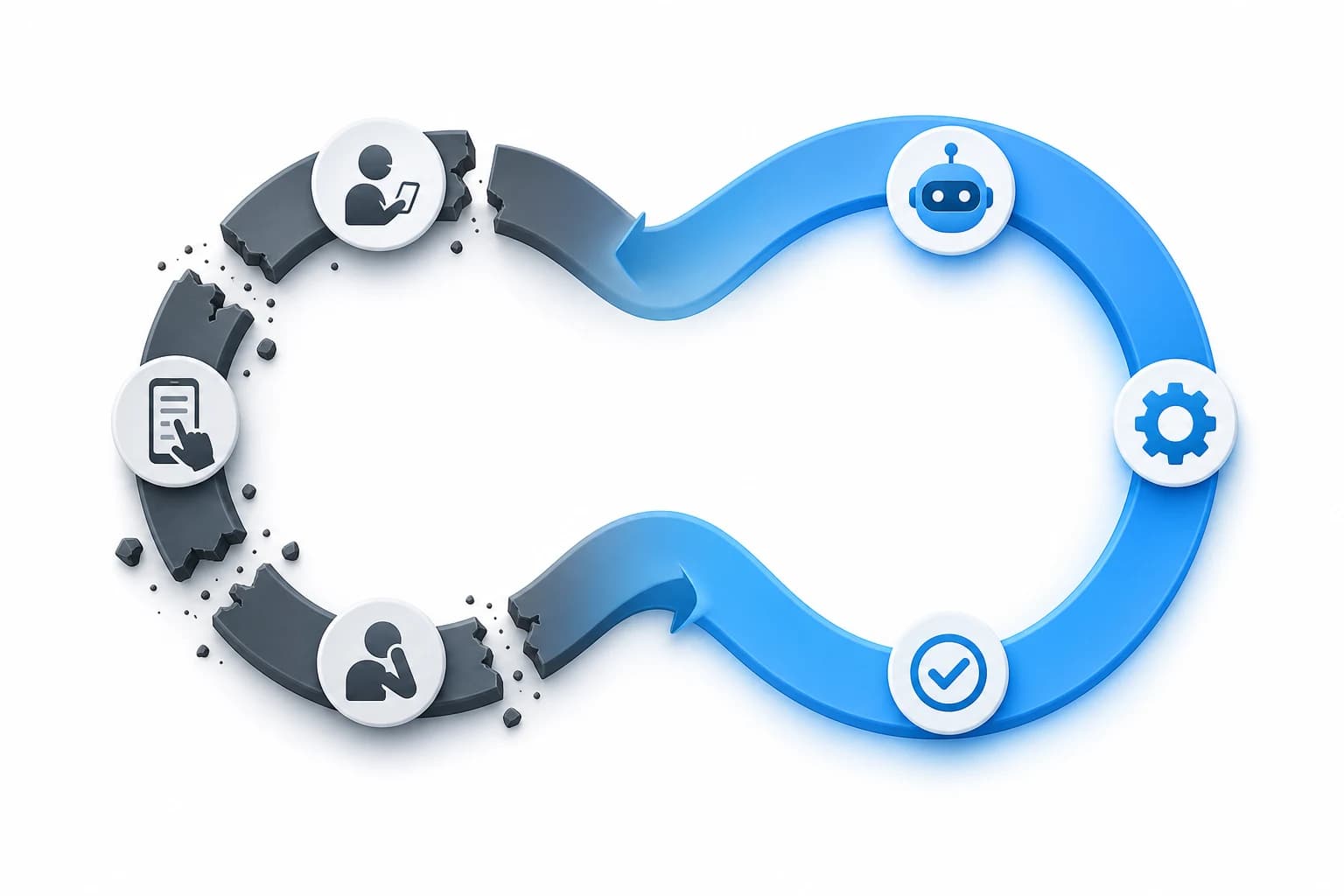
LinkedIn Prospecting Without the Burnout: Automate the Scroll
Manual LinkedIn searching is tedious and inconsistent. Here's how to describe your ideal customer once and let AI do the searching — so you spend time on outreach, not scrolling.
The manual scroll problem
Most small business owners prospect on LinkedIn the same way: open LinkedIn, type a search query, scroll through results, open profiles, read descriptions, make a mental note, repeat. It works — for about 20 minutes. Then decision fatigue sets in. By result 40, every company looks the same. By result 60, you've opened 15 tabs, forgotten why you opened half of them, and decided to "do more prospecting tomorrow."
The problem isn't that LinkedIn search is bad. It's that manual scanning doesn't scale — and your brain wasn't designed to evaluate 200 companies in a sitting.
The result is prospecting that happens in bursts: an intense 2-hour session on Monday, then nothing until next week. Pipeline dries up between sessions. You feel busy but your outreach volume is low. This is the burnout cycle — and it's caused by the manual scroll, not by a lack of effort.
Define once, search forever
The alternative to manual scrolling isn't working harder — it's working differently. Instead of typing a new search query every time, you define your ideal customer profile once: industry, company size, location, the types of people you want to reach. Then you let an automated system run that search continuously.
The ICP Advantage
This shifts prospecting from a "session" activity (something you sit down and do) to a "review" activity (something you check). Instead of spending 2 hours scrolling, you spend 15 minutes reviewing a curated list of companies that already match your criteria. The cognitive load drops dramatically. The consistency goes up.
AI filtering vs manual scanning: the speed difference
A human can evaluate maybe 3-5 LinkedIn company profiles per minute — reading descriptions, checking employee counts, scanning recent posts. That's 200-300 companies in an hour, with declining accuracy as fatigue sets in. An AI system can evaluate thousands of companies in seconds, applying the same criteria consistently every time.
Manual LinkedIn Prospecting
- ×200-300 companies reviewed per hour
- ×Accuracy drops after 30 minutes
- ×Inconsistent criteria: you get lenient when tired
- ×No record of why you rejected a company
- ×Must be done in dedicated sessions
AI-Powered Prospecting
- Thousands of companies scored in seconds
- Consistent criteria applied every time
- Every company evaluated against the same ICP
- Relevance scores explain why a company matched
- Runs continuously — check results when convenient
From 500 results to 50 worth contacting
LinkedIn search might return 500+ companies for a typical query. The value isn't in getting more results — it's in filtering out the noise. AI relevance scoring evaluates each company against your ICP and assigns a score. The top 10-15% are the ones worth your time.
Industry match
Is the company actually in the industry you defined? AI can distinguish between a marketing agency and a software company that happens to mention 'marketing' on their page.
Size fit
Does the company have the right number of employees? A 2-person startup and a 200-person firm have very different needs — AI filters for the size range you specified.
Relevance signals
AI looks for signals beyond keywords: recent activity, content production, job listings, growth indicators. These tell you whether a company is actively operating in your target space.
Contact availability
Can you actually reach someone at this company? AI cross-references against enrichment data to prioritise companies where verified contacts are available.
Saving and refreshing: your prospecting doesn't expire
One of the frustrations of manual prospecting is that it doesn't accumulate. Every session starts from zero. The companies you found last month? You'd have to find them again, or you saved them in a spreadsheet that's now buried in your downloads folder.
Saved searches that refresh automatically turn prospecting from a treadmill into a flywheel. Every search builds on the last one. New companies enter your pipeline automatically.
An automated prospecting system saves your searches and refreshes them — adding new companies that match your criteria, updating existing records with fresh enrichment data, and flagging companies you've already contacted. Your prospecting database grows over time instead of resetting every session.
Consistency over intensity
The biggest advantage of automated prospecting isn't speed — it's consistency. Manual prospecting is bursty: intense effort followed by gaps. Automated prospecting is steady: new results arrive continuously, and you review them on your schedule.
No more 'prospecting Monday'
Instead of blocking 3 hours every Monday to scroll LinkedIn, you spend 20 minutes/day reviewing new matches. The total time is less, and the results are better.
Pipeline stays full
When prospecting is continuous, your pipeline doesn't have feast-or-famine cycles. There's always a list of qualified companies ready for outreach.
Energy goes to outreach, not research
The high-value activity is having conversations with qualified prospects. The low-value activity is finding them. Automate the low-value part. Focus your energy on the high-value part.
How Cortoa automates the scroll
Cortoa replaces the manual LinkedIn scroll with an AI-powered search engine. You describe your ideal customer once — industry, size, location, job titles — and Cortoa continuously finds, filters, and enriches matching companies.
Describe your ICP once
Tell Cortoa what you're looking for. Industry, company size range, location, target job titles. This becomes your persistent search profile.
AI finds and scores companies
Cortoa searches LinkedIn and scores every company against your ICP. Relevance scores mean you see the best matches first — no scrolling required.
Contacts enriched automatically
For every matching company, Cortoa enriches contact data: verified emails, direct dials, decision-maker names. Ready for outreach.
Results refresh continuously
Your searches run on your schedule. New companies enter your pipeline automatically. Old results stay saved and searchable.
Stop scrolling. Start prospecting.
Describe your ideal customer once. Cortoa finds them — continuously. No credit card required.